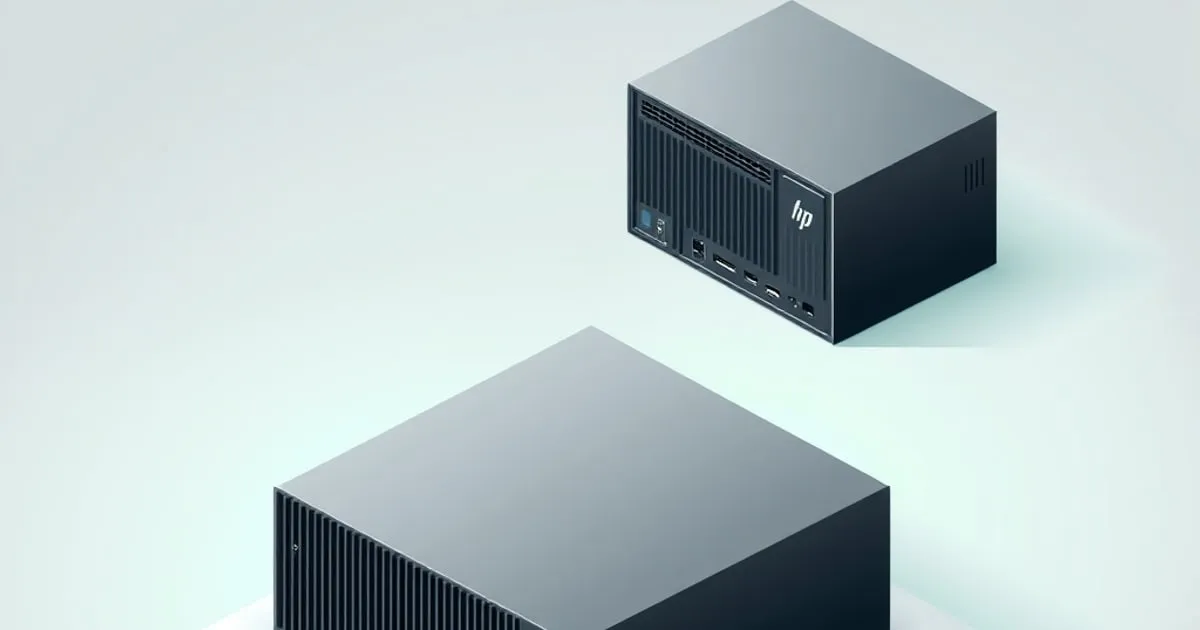
HP T620, T630, T640 Thin Clients as Homelab Servers
Used HP thin clients are still the cheapest entry into an x86 homelab. Here's what each generation actually idles at, what you can run on them, and the
Repurposed HP thin clients are one of the best-kept secrets in budget homelabbing. A used T620 Plus picked up cheaply from the second-hand market will happily host Pi-hole, a WireGuard endpoint, a small UniFi controller, and a Tailscale exit node — all while idling around 7 watts. You can build a serious homelab out of these things, but the model matters more than people realize.
This guide covers the three generations that are still worth buying used in 2026 — what they do well, what they don’t, and the small details (RAM ceiling, mPCIe slot, SATA support) that decide whether one is right for your setup.
Why thin clients are still a great homelab buy
The pitch hasn’t changed much in five years. A used enterprise thin client is:
- Cheap on the used market. $25–$80 for a working unit, depending on generation and configuration.
- Low-wattage by design. 5–12W idle on the older models; 8–15W on newer ones with faster CPUs.
- Fanless or near-silent. Most are passively cooled. The ones with fans run them slowly and rarely.
- Small. The T620 fits in one hand; the T630 and T640 are slightly bigger but still desk-corner-friendly.
- Standard x86_64. Runs every Docker image, every distro, every hypervisor that supports older AMD APUs. No arm64 image hunting.
The trade-off: you’re buying old hardware. RAM tops out at 8–16GB on most models. The CPU is years behind a modern N100. Storage options are limited. If you need more than that, you’ve outgrown the thin-client category — start looking at N100 mini PCs instead.
HP T620 and T620 Plus
The T620 family is the budget-king of homelab thin clients. There are two variants and the difference matters.
- T620 (base): AMD GX-217GA SoC, dual-core, 1.65 GHz, 4GB DDR3L (max 16GB), one mSATA slot, no SATA bay, no PCIe slot. Idles at 5–7W.
- T620 Plus: AMD GX-415GA, quad-core, 1.5 GHz, 4–8GB DDR3L (max 16GB), one mSATA slot, one 2.5” SATA bay, half-height PCIe x16 slot wired as x4. Idles at 6–9W.
The Plus model is the one worth hunting for. The PCIe slot opens up a 4-port Intel I340-T4 NIC for a serious router/firewall build, or a 10Gbps SFP+ card for a tiny NAS front-end. The 2.5” SATA bay means you can pair a small mSATA boot drive with a 1–2TB SATA SSD for storage.
A realistic T620 Plus workload: Pi-hole, Tailscale, WireGuard, a UniFi controller, Uptime Kuma, Watchtower, and a small Vaultwarden instance run comfortably together — that class of always-on lightweight services typically leaves CPU in the single-digit percent range and memory well under half of 16GB.
Don’t buy a base T620 for homelab use. No SATA, no PCIe — it’s only useful for very light single-purpose workloads (one DNS server, one VPN endpoint). The Plus is almost always worth the extra $15–$20.
HP T630
The T630 is the middle-generation pick. AMD GX-420GI quad-core at 2.0 GHz, 4–32GB DDR4 SODIMM, one M.2 2280 slot (SATA only, not NVMe — important), and a small expansion slot. It idles at 7–10W.
The big upgrade over the T620 is RAM ceiling: 32GB DDR4 in two SODIMM slots. That makes the T630 the cheapest used machine I know of that’ll run a serious Proxmox single-node setup with a handful of VMs. The CPU is 30–40% faster than the T620 in real workloads.
What it’s good for:
- Proxmox or VMware ESXi (community edition) with 3–5 small VMs
- A larger Docker host running 10–15 containers
- HomeAssistant OS plus its companion services
- Light Kubernetes (K3s) single-node experiments
The catch: the M.2 slot is SATA-only. You cannot put an NVMe drive in a T630 — Linux will boot fine but you’ll be stuck at SATA III speeds (550 MB/s max). For homelab workloads that’s fine; for anything I/O heavy, look at a real mini PC instead. The team at DockerHomeLab ↗ covers compose-stack setups that fit comfortably in a T630’s RAM and CPU budget.
HP T640
The T640 is the newest of the bunch and the most expensive used (typical $80–$150). AMD Ryzen R1505G dual-core (with Vega 3 iGPU), 4–32GB DDR4 SODIMM, one M.2 2280 NVMe slot, one M.2 2230 slot for WiFi. Idles at 8–12W.
This is the one I’d pick today if I were starting fresh on a budget. The Ryzen CPU is meaningfully faster than the T630’s GX-420 — closer to a modern N100 in single-thread performance, slower in multi-thread. The NVMe slot eliminates the T630’s main weakness. Power consumption is only marginally higher.
What it does well that the older models don’t:
- Real NVMe storage — no more SATA bottleneck
- Faster single-thread for things like Home Assistant and reverse proxies
- iGPU good enough for one 1080p Plex transcode (HEVC software decode is still rough, but H.264 works fine)
- USB 3.1 Gen 2 for faster external storage
Where I’d choose an N100 mini PC instead: if you’re paying more than $120 for a T640, an N100 box (Beelink S12 Pro, Trigkey, NiPoGi) is usually a better deal. The N100 is faster, has the same idle wattage, and has dual SODIMM slots with a 32GB ceiling. The full comparison is in my Intel N100 buying guide.
Buying tips, regardless of model
- Always check the storage situation. Many used units come with a 16GB or 32GB mSATA/M.2 module — fine for a router OS, not enough for a Docker host. Budget for a 250GB+ SSD.
- RAM upgrades pay off most. A 16GB or 32GB SODIMM kit is the single biggest performance jump these machines see.
- AC adapter included? Confirm before buying. The T620 uses a 19V barrel-jack adapter; the T630 and T640 use similar but not identical specs. Replacement adapters are cheap on Amazon but factor it in.
- Skip the WiFi card. None of these have meaningful internal WiFi worth using for a server. Wire it.
- Don’t pay for storage you’ll replace. A “loaded” thin client with a 128GB SSD often costs $30 more than a barebones one. Replace it anyway with a 500GB or 1TB drive; the markup is not worth it.
What to install
For most homelab use, Debian 12 or Proxmox VE 8 is the right starting point. Both run cleanly on all three models. If you’re going single-purpose router/firewall, OPNsense ↗ or pfSense both support the AMD GX-series chips fine — performance is plenty for a 1Gbps WAN link.
If you’re new to this whole world, SelfhostRealm’s beginner guide ↗ walks through hardware decisions and your first service stack in order. The thin-client path starts there, scales up to a T630 or T640, and most people never need anything bigger than that.
Bottom line
- Tightest budget, lightest workload: T620 Plus, $35–$50 used. Pair it with 16GB RAM and a 500GB SATA SSD.
- Real Docker host or small Proxmox node: T630 with 16GB+ and a 1TB SATA M.2 drive. $50–$80 used.
- Want NVMe and modest performance: T640 if you find one for under $120. Otherwise jump to an N100 mini PC.
Three years on, my T620 Plus has paid for itself in electricity savings alone — it pulls about 60 kWh per year, or roughly $9 at average US rates. The mini PC it replaced was pulling 240 kWh. That’s why these machines are still here in 2026, and why I’ll keep recommending them as the cheapest sensible entry to a real homelab.
Related

Thin Client Homelab: Turn a $40 Wyse 5070 Into a Server
The Dell Wyse 5070 is the best cheap x86 homelab box you can buy used. Here's what it idles at, what the Extended model adds, the storage and RAM

UPS Sizing for a Mini PC Homelab: Runtime, VA Math, and What I Actually Run
Picking a UPS for a 10-30W mini PC homelab is about runtime, not VA. The math, the trap with cheap line-interactive units, and the models worth buying.

Lenovo ThinkCentre Tiny vs N100 Mini PC for a Homelab
Used Lenovo M720q/M920q/M75q Tiny vs new Intel N100 mini PCs for a 24/7 homelab — idle wattage, expandability, BIOS quality, and which is the better buy.