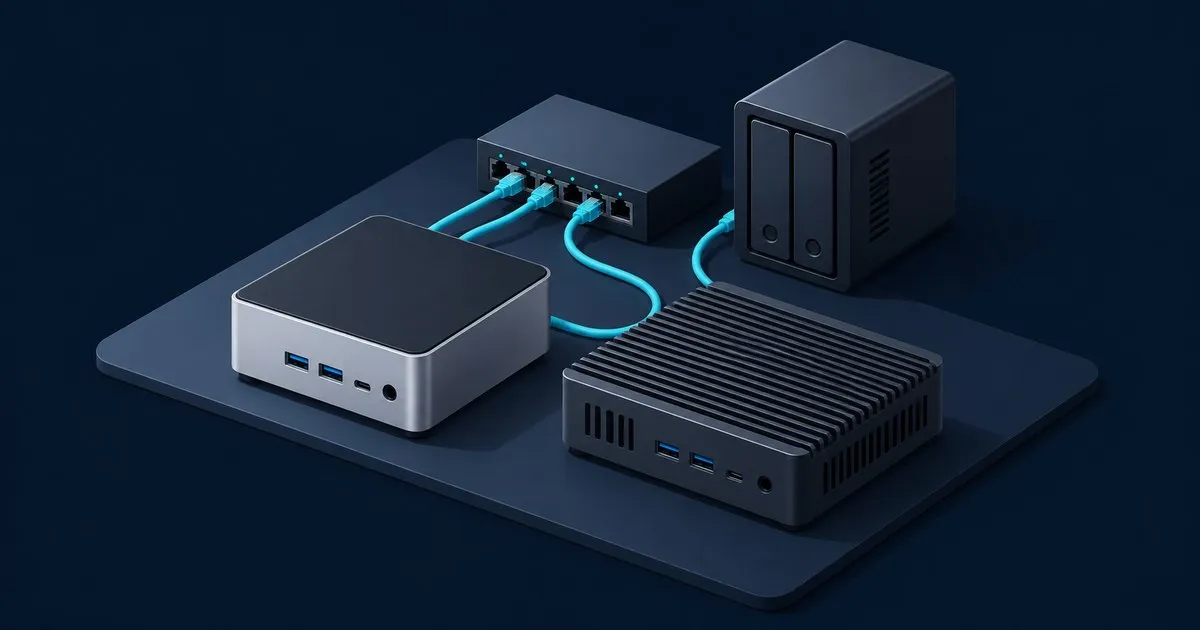
On Intel NUC vs mini PC for homelab use, the pick for most people is a cheap N100 or N150 mini PC. It runs Docker, Home Assistant, Pi-hole and a Plex transcode comfortably. A NUC Pro earns its higher price only when you need more than 16 GB of RAM, several full VMs, vPro remote management or a three-year warranty.
One wrinkle catches anyone shopping from an old r/homelab thread: the NUC you remember isn’t made by Intel anymore, and not every NUC is the big one.
What does “Intel NUC” mean in 2026?
“NUC” is an ASUS product line now. Intel stopped investing in the business in July 2023 and gave ASUS a non-exclusive license to manufacture, sell and support 10th- through 13th-generation NUC systems and to develop future designs. ASUS set up a dedicated NUC business unit to carry the installed base, so current models are ASUS machines.
The badge no longer tells you the chip class, either. The ASUS NUC 14 Essential ships with an Intel N150, N250, N97 or Core 3 N355, one SO-DIMM slot capped at 16 GB of DDR5-4800, a single M.2 slot and a Realtek RTL8125BG 2.5GbE controller. Spec for spec, that is a budget N-series mini PC with a better-known logo on the lid. The ASUS NUC 14 Pro is what homelabbers mean when they say “a NUC”: Core Ultra silicon, dual-channel DDR5, two M.2 slots and Intel 2.5GbE Ethernet (i226-V on non-vPro SKUs, an LM variant on vPro SKUs).
So the useful comparison is a Core-class business mini PC with a long warranty against an N-series budget box from Beelink, GMKtec or one of their many cousins.
How they were compared
Nothing here was benchmarked in-house. The comparison is assembled from published specs and third-party measurements:
- Intel’s Processor N100 specification page for the budget chip’s four cores, 6 W TDP and 16 GB single-channel memory limit.
- StorageReview’s Intel NUC 13 Pro review for the 13th-gen kit’s memory, storage and NIC layout, and Intel’s rating for 24/7 operation within its three-year warranty.
- ASUS’s official pages for the NUC 14 Pro and NUC 14 Essential, linked above.
- ServeTheHome’s NUC 14 Pro review, which measured power and noise on a Core Ultra 7 165H unit.
- This site’s N100 power consumption breakdown for typical N100 idle and load draw.
NUC vs N100 mini PC: the spec table
| Generic N100/N150 mini PC | ASUS NUC 14 Essential | Intel NUC 13 Pro | ASUS NUC 14 Pro | |
|---|---|---|---|---|
| CPU | N100: 4 cores / 4 threads, 6 W TDP | N150, N250, N97 or Core 3 N355 | 13th-gen Core P-series, up to i7 (4P + 8E cores) | Core 3, Core Ultra 5 or Core Ultra 7 |
| Max memory | 16 GB, single channel (Intel spec) | 16 GB DDR5-4800, one SO-DIMM | 64 GB DDR4-3200, two SO-DIMMs | 96 GB DDR5-5600, dual channel |
| Storage | Varies: usually one M.2, sometimes a 2.5” bay | One M.2 (NVMe Gen3 x4 or 2242 SATA) | M.2 2280 Gen4 + M.2 2242 Gen3/SATA | M.2 2280 Gen4 x4 + M.2 2242 Gen4 x4; 2.5” bay on tall kit |
| Ethernet | Varies: one or two 2.5GbE, Realtek or Intel | 1x 2.5GbE, Realtek RTL8125BG | 1x 2.5GbE, Intel i226 | 1x 2.5GbE, Intel i226-V (LM variant on vPro SKUs) |
| Thunderbolt 4 | Uncommon | No | 2 ports | 2 ports |
| vPro / AMT | No | No | Check the SKU | Core Ultra 7 165H and Ultra 5 135H SKUs |
| Warranty | Vendor-dependent | Check the regional listing | 3 years | 3 years |
| Published power | 6-12 W idle, 20-30 W load (site breakdown) | Not in cited sources | Not in cited sources | 8-9 W idle, about 88 W load (STH, Ultra 7 165H) |
Read the memory row first. It decides more homelab purchases than any other line in the table, and it’s the one the product photos never show.
Where each one wins
Memory: the NUC Pro, by a wide margin
Intel caps the N100 at 16 GB on a single memory channel. The NUC 13 Pro takes 64 GB of DDR4-3200 across two slots, and the NUC 14 Pro takes 96 GB of dual-channel DDR5-5600. Some N100 owners run larger modules outside Intel’s spec. That is a gamble with your data, not a supported configuration.
In practice, 16 GB covers a typical container stack. It runs out when a Windows VM, a Home Assistant OS VM and a lab cluster all want memory at once. And please don’t buy a 96 GB NUC to run k3s for two services; that’s more work than it’s worth unless you already wanted to learn Kubernetes. The per-service arithmetic is in how many VMs an N100 can run.
Idle power: close to a tie
ServeTheHome measured the NUC 14 Pro at 8-9 W idle. The N100 breakdown linked above puts typical N100 boxes at 6-12 W. Those ranges overlap, which kills the most common argument for the budget box. At idle, board design, the NIC, the SSD and BIOS power settings move the number more than the badge does. Put a meter on whatever you buy rather than trusting a TDP figure, and apply the BIOS settings for a 24/7 homelab before you judge it.
Load is a different story. ServeTheHome saw the NUC 14 Pro climb to around 88 W, with noise rising from 38 dBA at idle to about 48 dBA in a studio with a 34 dBA noise floor. An N100 box tops out at 20-30 W. If the machine lives on a bookshelf in a room where someone sleeps, that gap matters more than any idle number.
Networking: an Intel NIC versus a second port
Both NUC Pros use a single Intel 2.5GbE port (on the NUC 14 Pro, an i226-V on non-vPro SKUs and an LM variant on vPro SKUs), the controller family many homelabbers prefer for Proxmox and OPNsense. The one feature ServeTheHome wished the NUC 14 Pro had was a second built-in 2.5GbE port. Budget N-series boxes often ship with two ports, frequently Realtek. For a firewall build, port count wins, and the pfSense mini PC hardware guide covers which multi-port boxes are worth trusting. For a hypervisor with a VLAN trunk on one cable, a single Intel port is fine.
The NUC Pros also bring two Thunderbolt 4 ports, which opens the door to a Thunderbolt disk enclosure or a faster network adapter. Budget boxes rarely offer that.
Remote management and warranty: the NUC Pro
On the NUC 14 Pro, vPro is available on the Core Ultra 7 165H and Ultra 5 135H SKUs. Intel AMT gives you out-of-band power control and a remote console, so a hung headless box can be rebooted and inspected without walking to the closet. Treat AMT as a management plane: keep it on a trusted VLAN and never port-forward it. Firmware and management-engine advisories surface often enough that it’s worth following a general security feed such as CISA’s cybersecurity advisories.
The three-year warranty is the other quiet advantage, and Intel rated the NUC 13 Pro for 24/7 operation within it. Budget vendors vary on warranty length and on how long they keep publishing BIOS updates. The N100 mini PC buying guide covers which brands have a track record.
Price and “good enough”: the N100
For the stack most people actually run, like a starter self-hosting stack, a NUC Pro is headroom you pay for and never touch. Both platforms have Intel Quick Sync, so Plex or Jellyfin hardware transcoding works on either; the N100 Plex guide covers where the little chip stops.
Which one should you pick?
Pick an N100 or N150 mini PC if your services are containers plus one or two light VMs and everything fits in 16 GB. That describes most first and second homelabs. It’s the right call even if you suspect you’ll outgrow it, because a retired N100 makes a perfectly good dedicated DNS or Home Assistant box later.
Pick an ASUS NUC 14 Pro, or a used Intel NUC 13 Pro, if:
- You’ll run four or more full VMs, or anything that wants 32 GB or more.
- You want out-of-band management on a headless box, and you buy a vPro SKU to get it.
- You’d rather pay once for a three-year warranty than rely on a budget vendor’s BIOS support.
- You need Thunderbolt for storage or faster networking.
Skip the NUC 14 Essential unless it’s priced like its rivals. It has the same 16 GB ceiling and single M.2 slot as any other N-series box; the NUC name gets you ASUS support, not more capability.
Two alternatives deserve a look. A used Lenovo ThinkCentre Tiny adds a PCIe riser and more CPU; the ThinkCentre Tiny vs N100 comparison lays out that trade. If virtualization is the whole point, the Proxmox mini PC tiers cover the eight-core N305 middle ground and the 10GbE Minisforum MS-01.
The most common mistake here is buying the 96 GB box first, using a fraction of it for a year and calling the rest “future-proofing.” Start small, and upgrade when the memory graph tells you to.
FAQ
does intel still make nuc mini pcs
No. Intel stopped investing in the NUC line in July 2023 and licensed its 10th- through 13th-generation designs to ASUS, which now builds, sells and supports NUCs through a dedicated business unit. Current models such as the NUC 14 Pro and NUC 14 Essential are ASUS products, and ASUS carries support for older Intel-branded kits.
how much power does an intel nuc use at idle
An ASUS NUC 14 Pro idles at roughly 8 to 9 W, according to ServeTheHome’s measurements of a Core Ultra 7 165H unit, and climbs to about 88 W under full load. That idle figure sits inside the range typical of N100 boxes, so the real difference between them is peak draw and fan noise.
can an n100 mini pc replace an intel nuc
Yes. For most container-based homelabs an N100 mini PC replaces a NUC without any loss you’d notice. It falls short on memory, since Intel caps the chip at 16 GB in a single channel, and on multi-VM CPU headroom. If your stack fits in 16 GB, the cheaper box does the same job.
is a used intel nuc good for a homelab
A used NUC Pro can be a strong homelab buy if ASUS still publishes firmware for the model and its memory ceiling fits your plans. The 13th-generation NUC 13 Pro takes 64 GB of DDR4 and has Intel i226 2.5GbE. Check the ASUS support page for BIOS downloads before you pay.
Related across the network
- Best Hardware for OPNsense in 2026: Protectli and Mini-PCs — opnsenselab.com
- Best Mini PC for OPNsense 2026: A Buyer’s Guide by Tier — firewallcompare.com


